


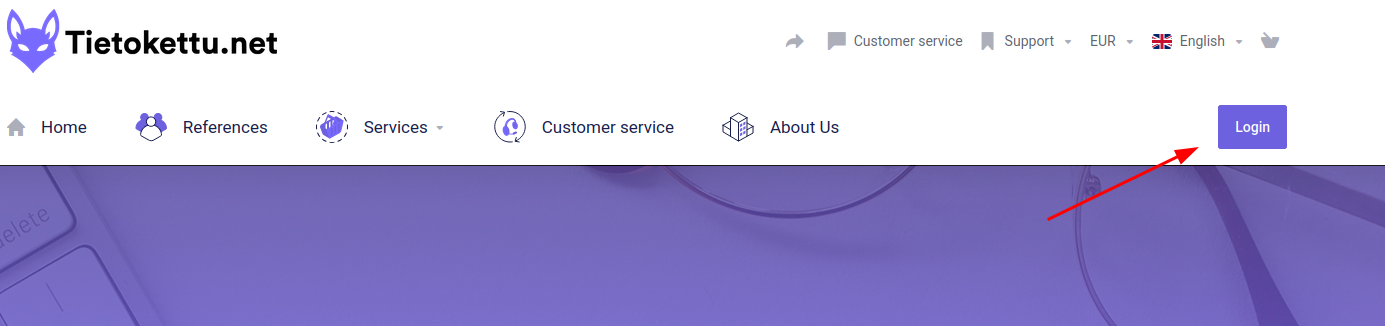
1.Log in to Tietokettu.net
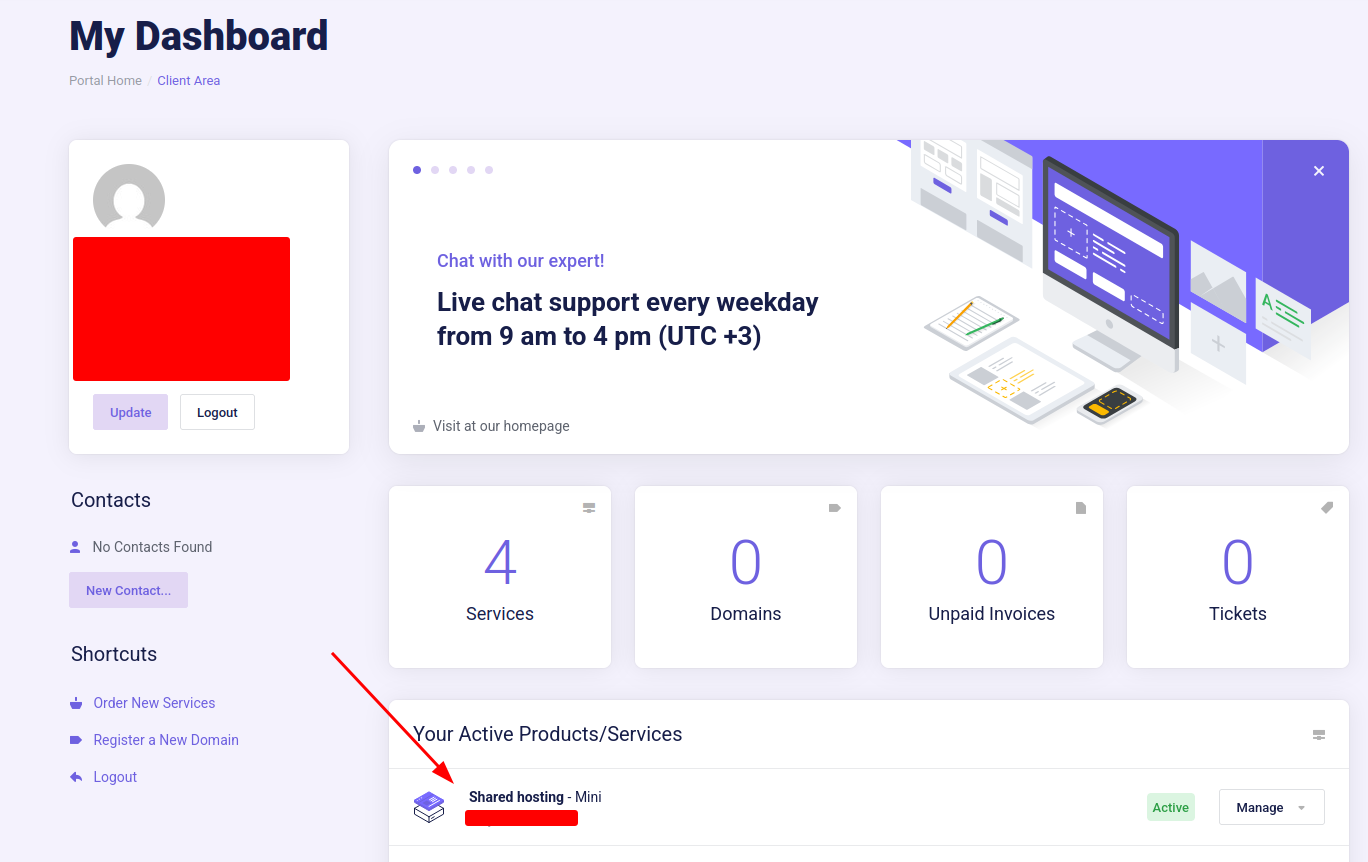
2.Once logged in, Select the Desired Plan, From Your Active Products.
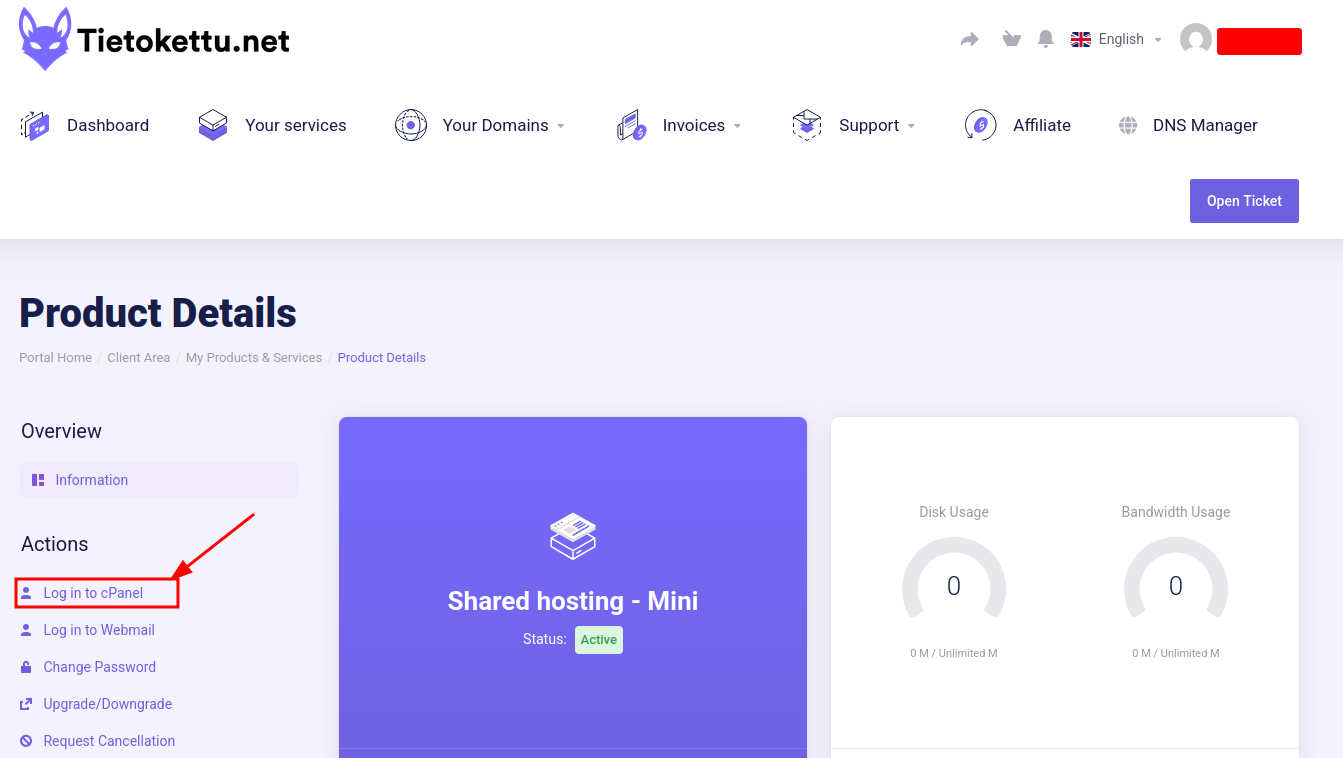
3. On the left side of the screen, Press Log in to cPanel
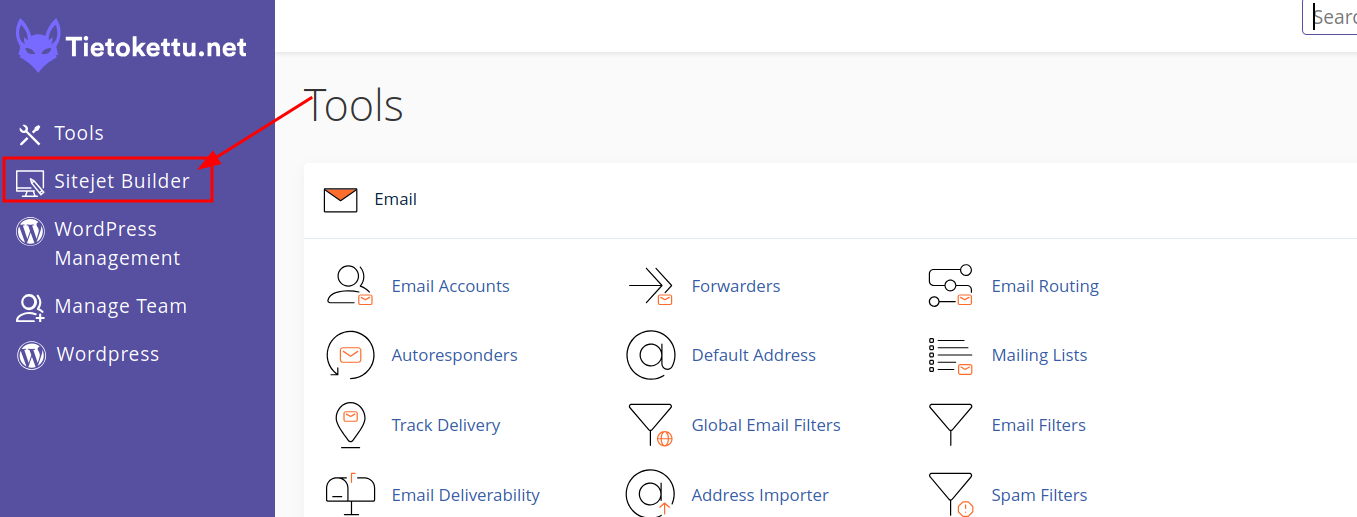
4.Once in cPanel, Press Sitejet Builder.
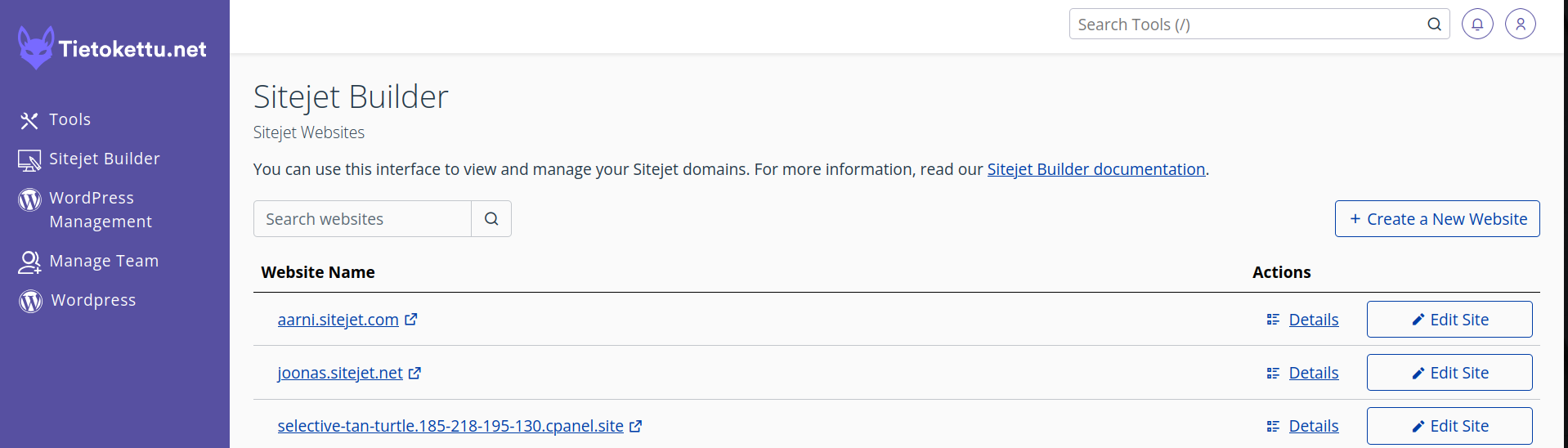
5. Inside Sitejet Builder, you can Create a New website, Or Edit an existing website.
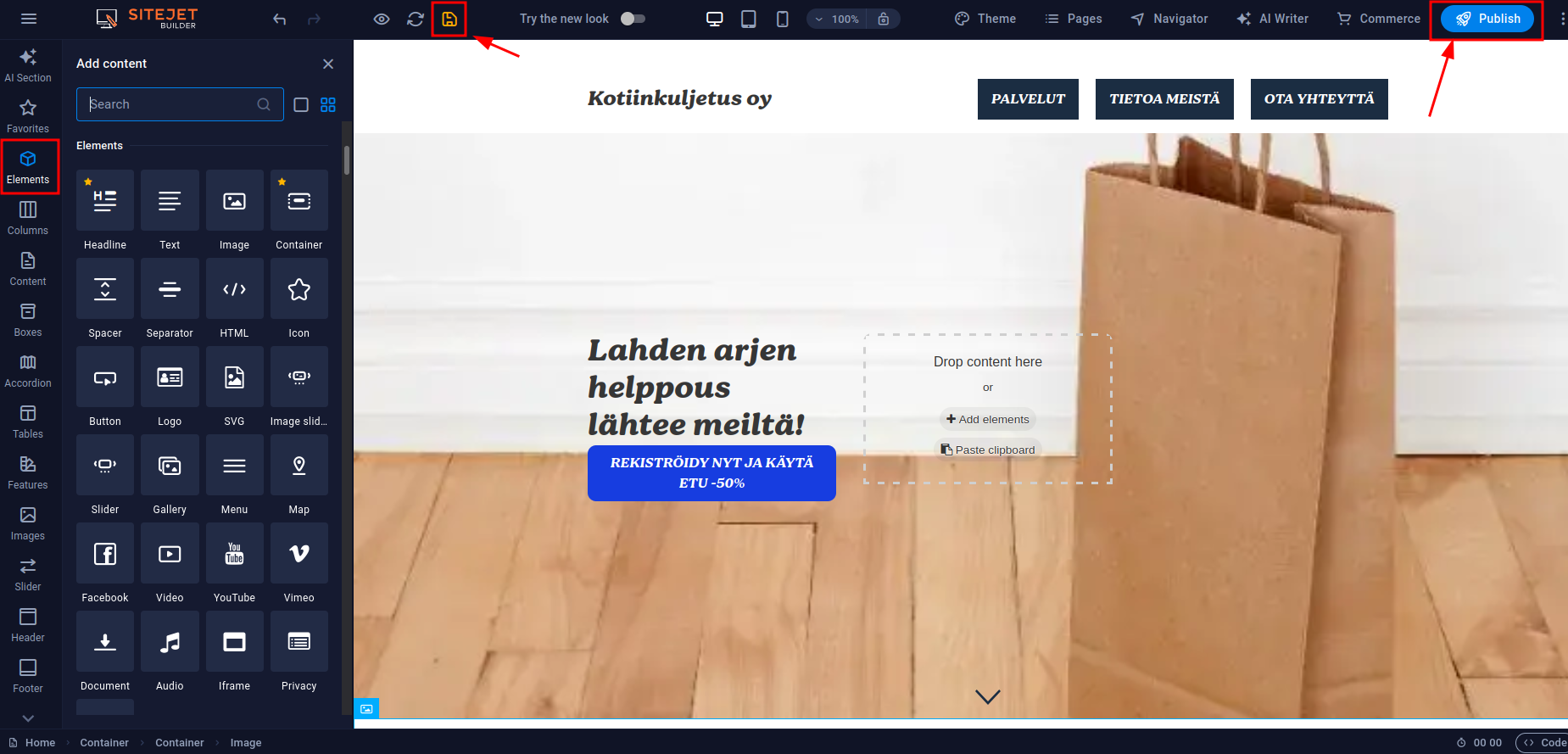
6.The page editing view looks like this. Under the Elements section, you will find various content elements that you can simply click and drag into place. For example, select a Container and drag it onto the page. Inside the container, you can add text, a background image, buttons, and other elements.
Note! Remember to click Save and Publish the page to make sure your changes are saved.